Invitations
To manage an existing service, a user must belong to its owners group. The registration requester is added automatically; a group manager can invite additional owners by email from the service's Manage Owners page.
Accept or decline an invitation
- Open the invitation link from the email.
- Log in through the authentication proxy if necessary. Use the same identity to which the invitation should be linked.
- Review the service and group role in the Invitations page.
- Select Accept to join the owners group or Decline to reject it.
Invitations page with accept and decline actions

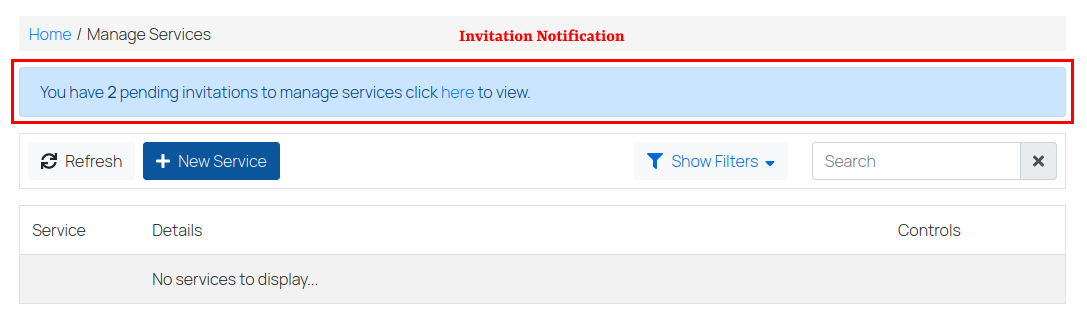
Pending invitations also appear as a notification above the Manage Services list. An already activated invitation remains available from the Invitations page until you respond.
Pending-invitation notification
Accepting an invitation gives the permissions associated with the group role and instance configuration. A group manager can invite or remove other members; a regular member cannot manage membership. See Manage ownership of a service.
If a link has expired, ask a group manager to renew or resend the invitation.