Landing Page and Login
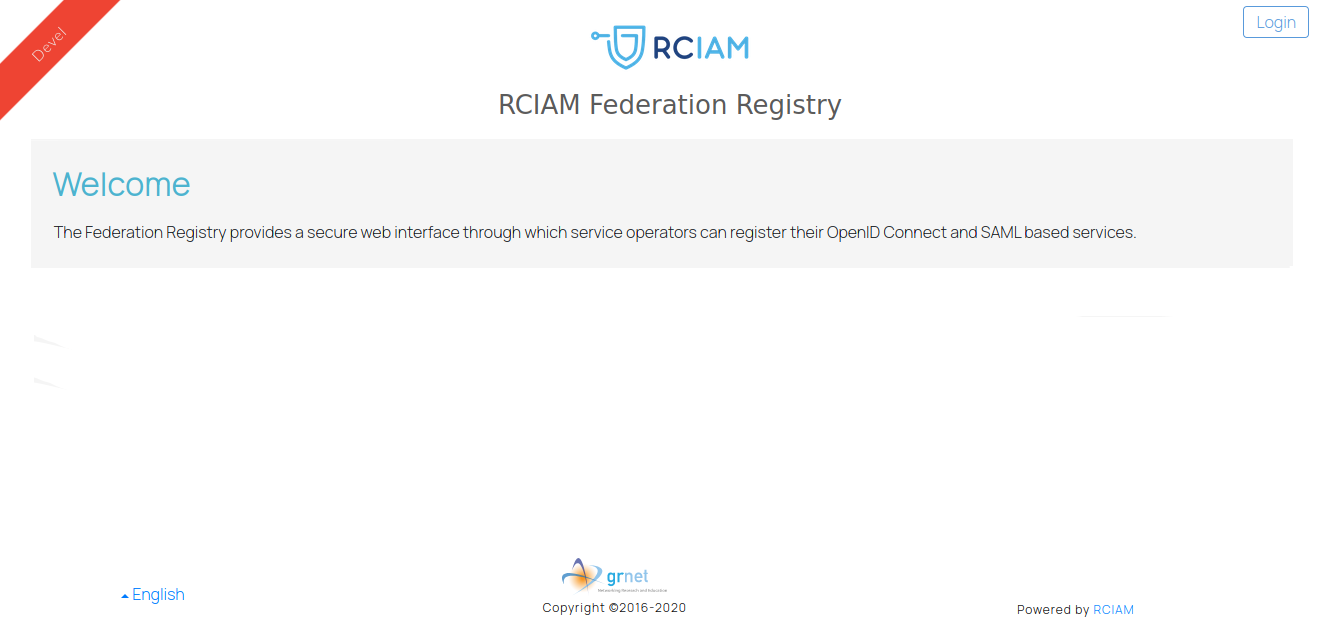
The landing page identifies the Federation Registry tenant and provides the Login action. Authentication is handled by the tenant's authentication proxy; Federation Registry does not ask you to create a separate password.
Federation Registry landing page and Login action
To sign in:
- Select Login on the landing page.
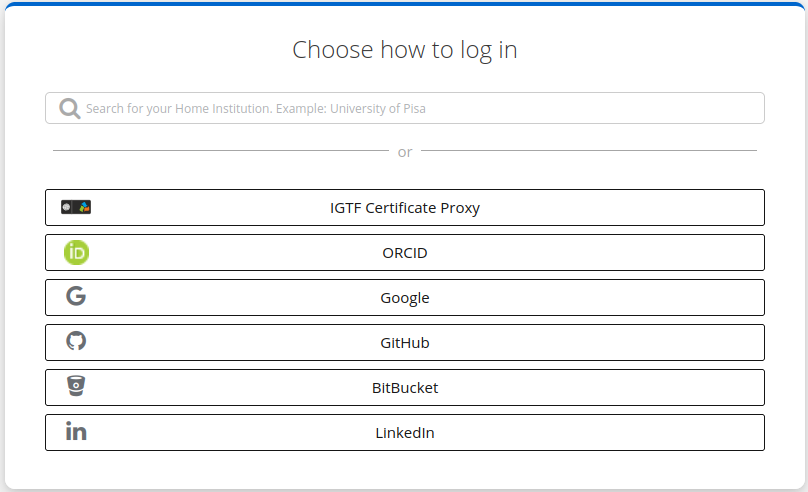
- Select your identity provider from the list presented by the authentication proxy.
- Authenticate with that provider.
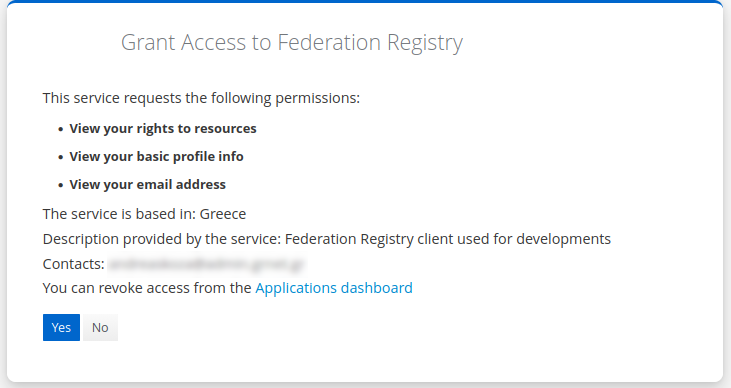
- Review and accept the consent request, if one is shown.
- You are redirected to Federation Registry. Your user menu is displayed in the upper-right corner.
Identity provider selection
Authentication consent page
Your access is determined from information returned by the authentication proxy. Consequently, the services and actions visible to you can differ from those available to another user. See Users and Roles for details.